Perplexity Pro Users Can Now Make Videos with Audio: Here’s How

Written by
admin

Get the oars in the water and start rowing. Execution is the single biggest factor in achievement so the faster and better your execution.
Perplexity Pro Users Can Now Make Videos with Audio: Here’s How
admin
Hey everyone! Big news if you use Perplexity Pro (or the fancier Perplexity Max). You can now create short videos with sound using just words! No camera, editing skills, or fancy software needed. Let’s break down how it works.
 Perplexity (that smart AI tool you use for searching) just added a video generator. Type what you want to see, and it creates an 8-second video with matching audio! Think of it like magic: describe a “cat dancing in a hat,” and poof—you get a video clip of exactly that.
Key details:
For Pro/Max only: You need a paid Perplexity plan (free users can’t access it yet).
Mobile first: Update your Perplexity app (iOS/Android). Desktop works too!
Speed: Takes 1–2 minutes per video.
Type the Magic Words:
Open Perplexity and type:
Generate a video of [your idea].
Example: Generate a video of a robot walking a dog in the park 15.
Perplexity uses Google’s Veo 3 (a powerful AI model) to build your video. In about a minute, it appears right in the app!
Tap the three dots → choose Download (saves to your phone) or Share (text/email it). You can also post directly to X (Twitter) or Facebook using Perplexity’s Comet Assistant
Not happy?: Tap Report if the video seems broken/offensive, or Edit Query to tweak your idea and try again.
Cool Examples People Are Making: “Generate a video of an Indian market with people buying vegetables” → Bustling market scene with vendor sounds! | “Generate a video of a cat crossing a road.” → A cautious kitty dodging cars.
Real-Life Uses: Selling stuff: Turn a photo of your old chair into a “staged” video ad. | Real estate: Make a “flyover video” of a property for sale. | Social media: Create quick clips for Instagram or X. | Important Limits to Know: 8 seconds only: Videos are short (like a TikTok clip). No editing: Can’t tweak the video after it’s made.
Perplexity (that smart AI tool you use for searching) just added a video generator. Type what you want to see, and it creates an 8-second video with matching audio! Think of it like magic: describe a “cat dancing in a hat,” and poof—you get a video clip of exactly that.
Key details:
For Pro/Max only: You need a paid Perplexity plan (free users can’t access it yet).
Mobile first: Update your Perplexity app (iOS/Android). Desktop works too!
Speed: Takes 1–2 minutes per video.
Type the Magic Words:
Open Perplexity and type:
Generate a video of [your idea].
Example: Generate a video of a robot walking a dog in the park 15.
Perplexity uses Google’s Veo 3 (a powerful AI model) to build your video. In about a minute, it appears right in the app!
Tap the three dots → choose Download (saves to your phone) or Share (text/email it). You can also post directly to X (Twitter) or Facebook using Perplexity’s Comet Assistant
Not happy?: Tap Report if the video seems broken/offensive, or Edit Query to tweak your idea and try again.
Cool Examples People Are Making: “Generate a video of an Indian market with people buying vegetables” → Bustling market scene with vendor sounds! | “Generate a video of a cat crossing a road.” → A cautious kitty dodging cars.
Real-Life Uses: Selling stuff: Turn a photo of your old chair into a “staged” video ad. | Real estate: Make a “flyover video” of a property for sale. | Social media: Create quick clips for Instagram or X. | Important Limits to Know: 8 seconds only: Videos are short (like a TikTok clip). No editing: Can’t tweak the video after it’s made.
| Plan | Videos/Mo | Quality |
|---|---|---|
| Pro | 3 | Standard |
| Max | 15 | Enhanced (HD) |
Run out? Wait till next month.
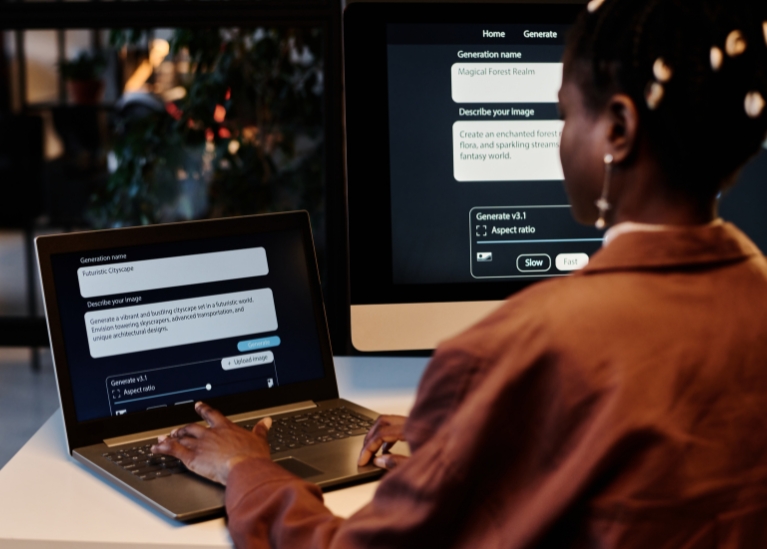
 This isn’t just about fun clips — Perplexity wants to help with real tasks like making ads, selling products, or visualizing ideas, and partners like Airtel even offer 1 year of free Perplexity Pro in India (massive deal!).
Coming soon?: Longer videos? | More credits? | Desktop voice commands?
This isn’t just about fun clips — Perplexity wants to help with real tasks like making ads, selling products, or visualizing ideas, and partners like Airtel even offer 1 year of free Perplexity Pro in India (massive deal!).
Coming soon?: Longer videos? | More credits? | Desktop voice commands?

Perplexity’s video tool turns imagination into reality in seconds. While it’s early (and videos are short), it’s a huge leap toward AI-powered creativity. Try it today: Update your app, type an idea, and watch AI do the rest!
