The Secret Photo Thief on Your Phone: Meet SparkKitty

Written by
admin

Get the oars in the water and start rowing. Execution is the single biggest factor in achievement so the faster and better your execution.
The Secret Photo Thief on Your Phone: Meet SparkKitty
admin
Imagine this: You snap a screenshot of your top-secret crypto wallet password, save it to your phone, and forget about it. Weeks later, your life savings vanish. The culprit? A sneaky digital pickpocket called SparkKitty—hiding in plain sight, even inside official app stores.
SparkKitty is a type of malicious software (malware) disguised as a useful app. Once installed, it:
 Steals every photo from your phone’s gallery.
Sends them to hackers who scour images for crypto passwords, bank info, or even private selfies.
Hides in apps you trust—fake crypto wallets, messaging apps, or TikTok clones.
Steals every photo from your phone’s gallery.
Sends them to hackers who scour images for crypto passwords, bank info, or even private selfies.
Hides in apps you trust—fake crypto wallets, messaging apps, or TikTok clones.
Yes, you read that right—SparkKitty slipped past Apple and Google’s security:
On Apple’s App Store: Hidden in an app called 币coin (a cryptocurrency tool).
On Google Play: Embedded in SOEX, a messaging + crypto app with 10,000+ downloads.
Through fake websites: Unofficial TikTok apps tricked users into installing malware using Apple’s Enterprise Profile system, meant for corporate apps!
Your screenshots are gold: Crypto recovery phrases, ID cards, vacation pics—hackers want it all.
It’s silent and stealthy: No crashes, no slowdowns—just quiet photo theft in the background.
It targets everyone: While focused in Southeast Asia and China, anyone, anywhere can be a victim.
Stop screenshotting secrets: Write down crypto passwords and lock them
Check app permissions: If a "Calculator" app asks for photo access, delete it immediately.
Avoid sketchy apps: Mods of TikTok? “Free” crypto tools? Skip them.
Use security tools: Cost & Fairness: Ensuring these cool (and sometimes pricey) technologies help everyone, not just those in big cities or with lots of money, is a challenge governments are working on.
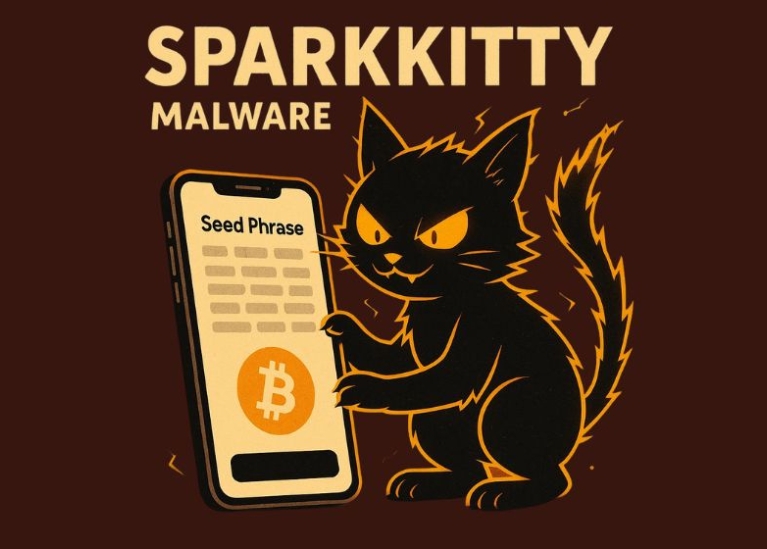
.jpg)
SparkKitty isn’t “just another virus.” It’s a wake-up call.
Hackers love shortcuts: We screenshot passwords for convenience—they know this.
App stores aren't foolproof: Always check reviews, developer names, and download counts.
Your photos = your power: Guard them like you would your wallet

"If you wouldn’t mail a photo to a stranger, don’t let an app access it without a fight." Stay safe out there—and keep those kitty pics (and crypto keys) truly private.
